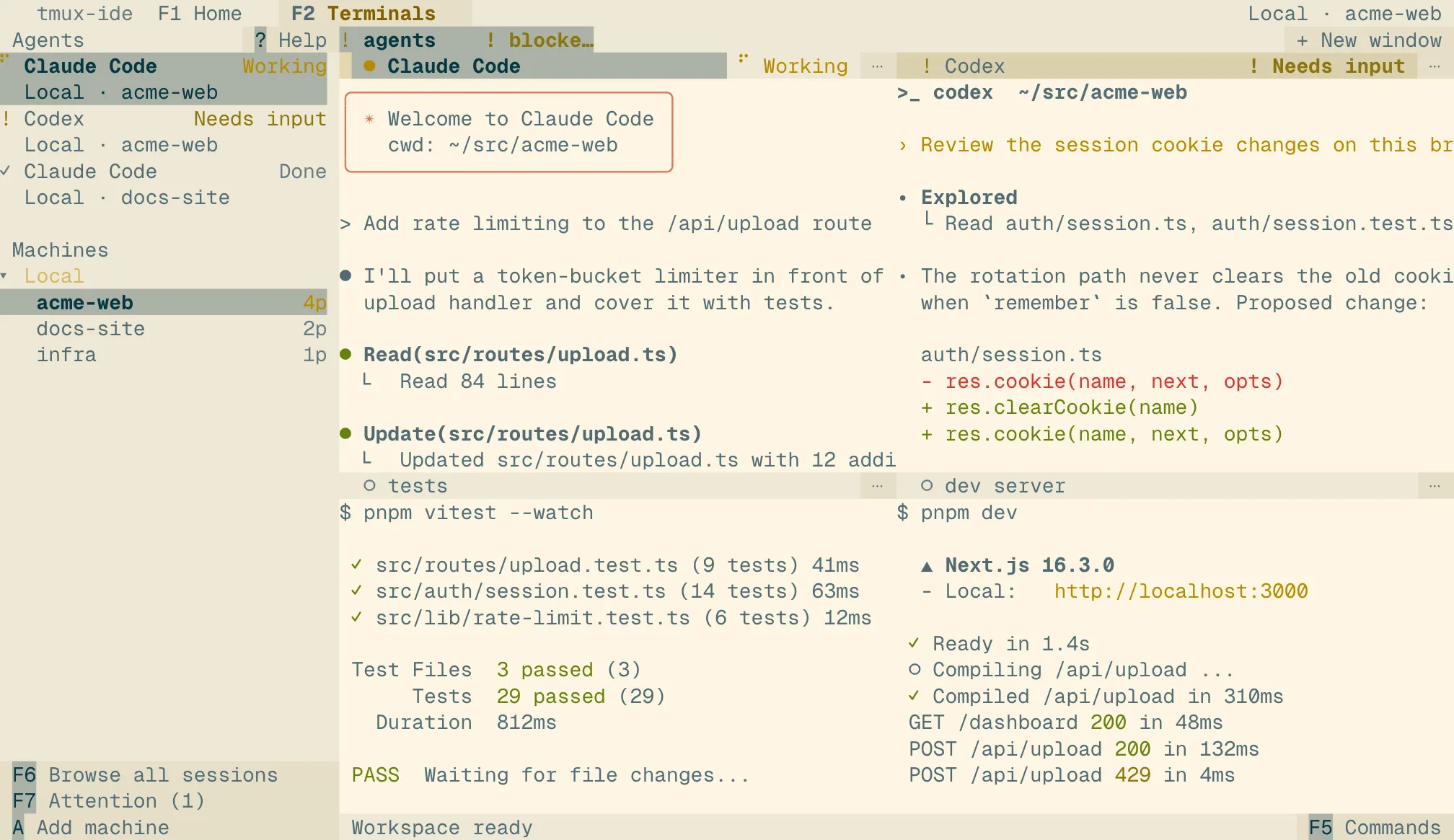
Paper
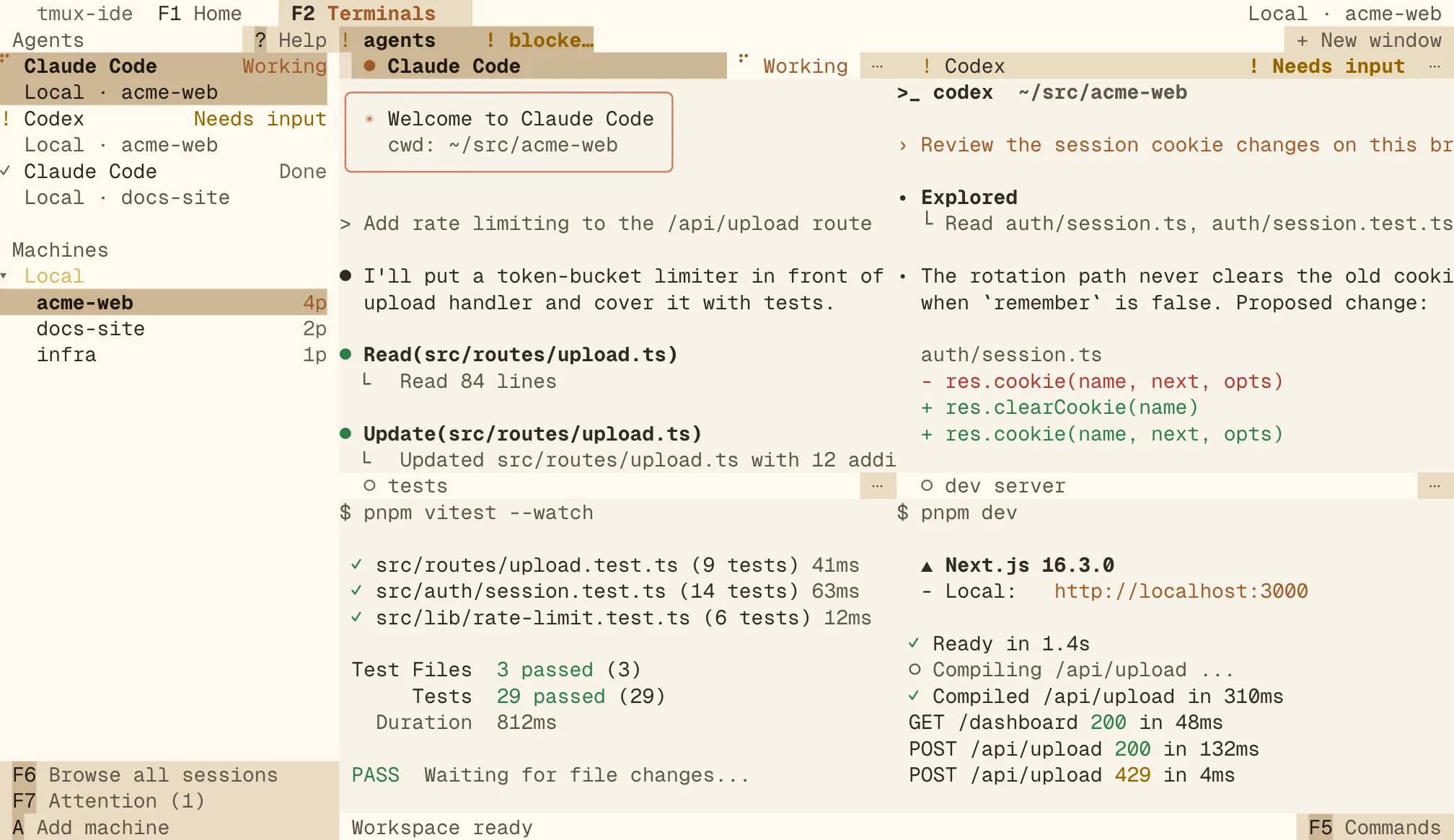
Light- background #f7f3e8
- text #2f2a23
- accent #a05a2c
- success #2f7d4a
- warning #946200
- danger #b33630
20 themes · 4 light · 16 dark
These themes are for the tmux-ide app, which runs on your tmux sessions. A theme colors the app's Home, sidebar, pane headers and terminal panes; a plain tmux client attached to the same session keeps its own colors.
Then run tmux-ide app and open Commands (F5) → Appearance… to preview each theme live.
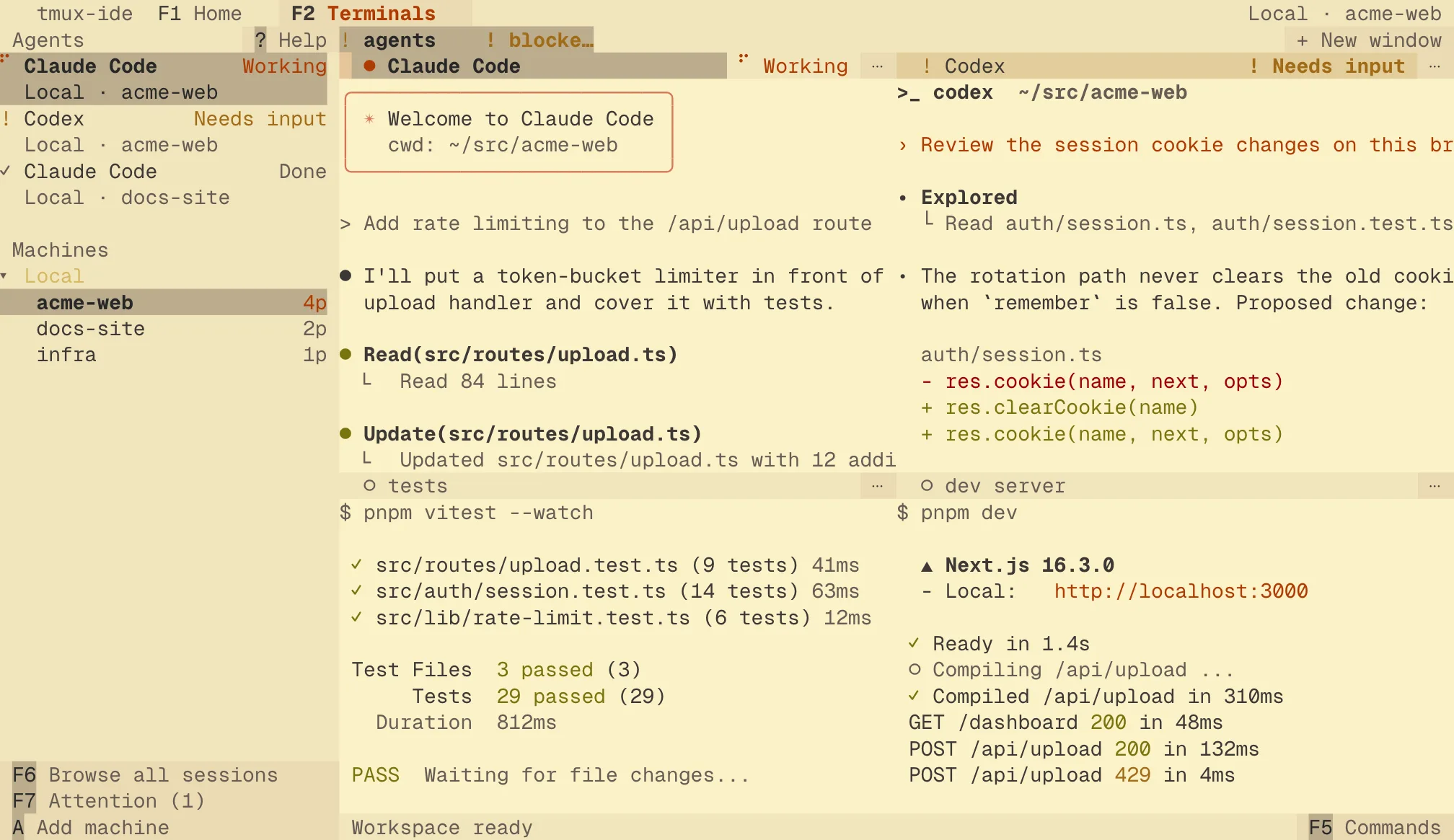
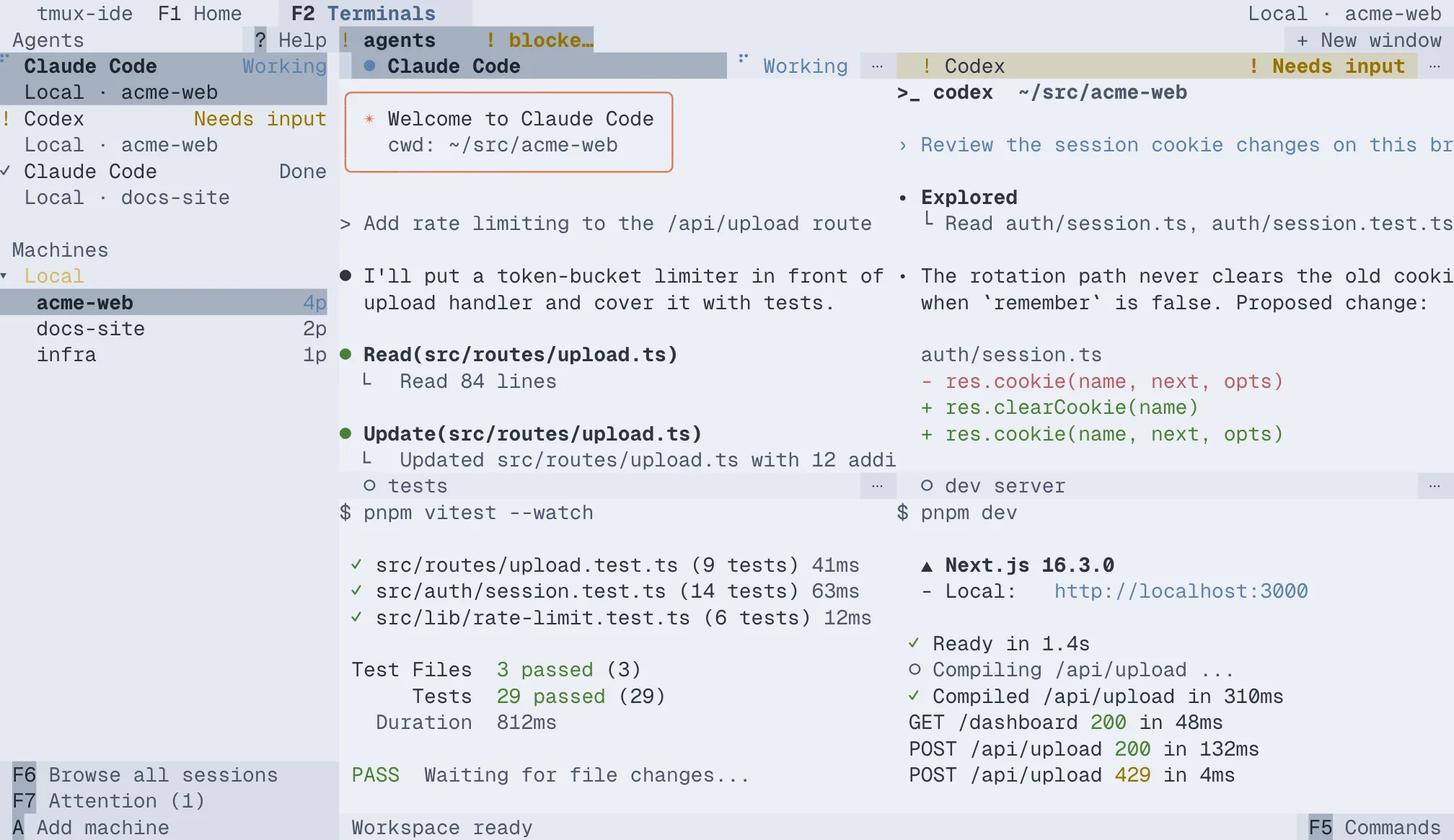
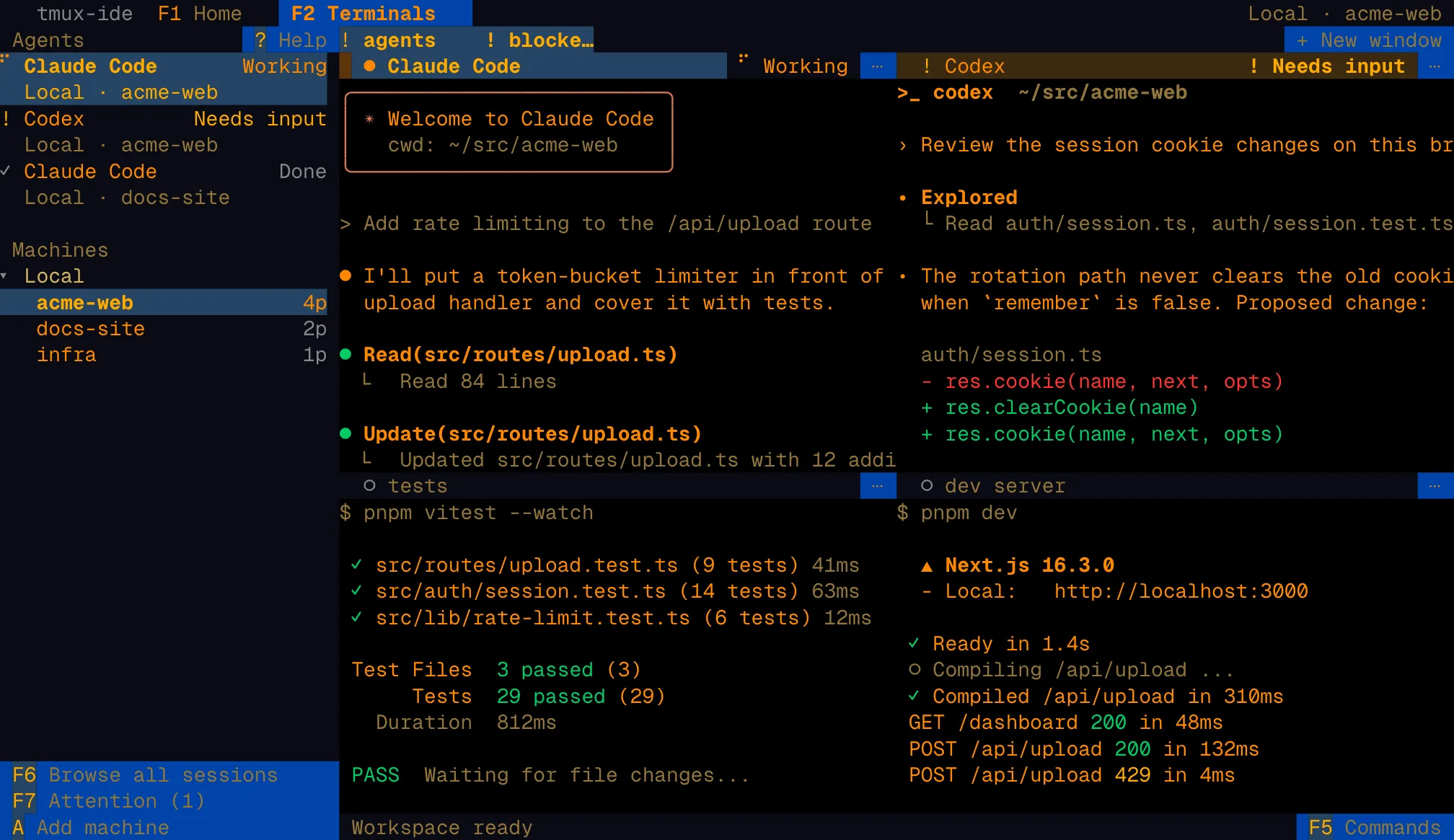
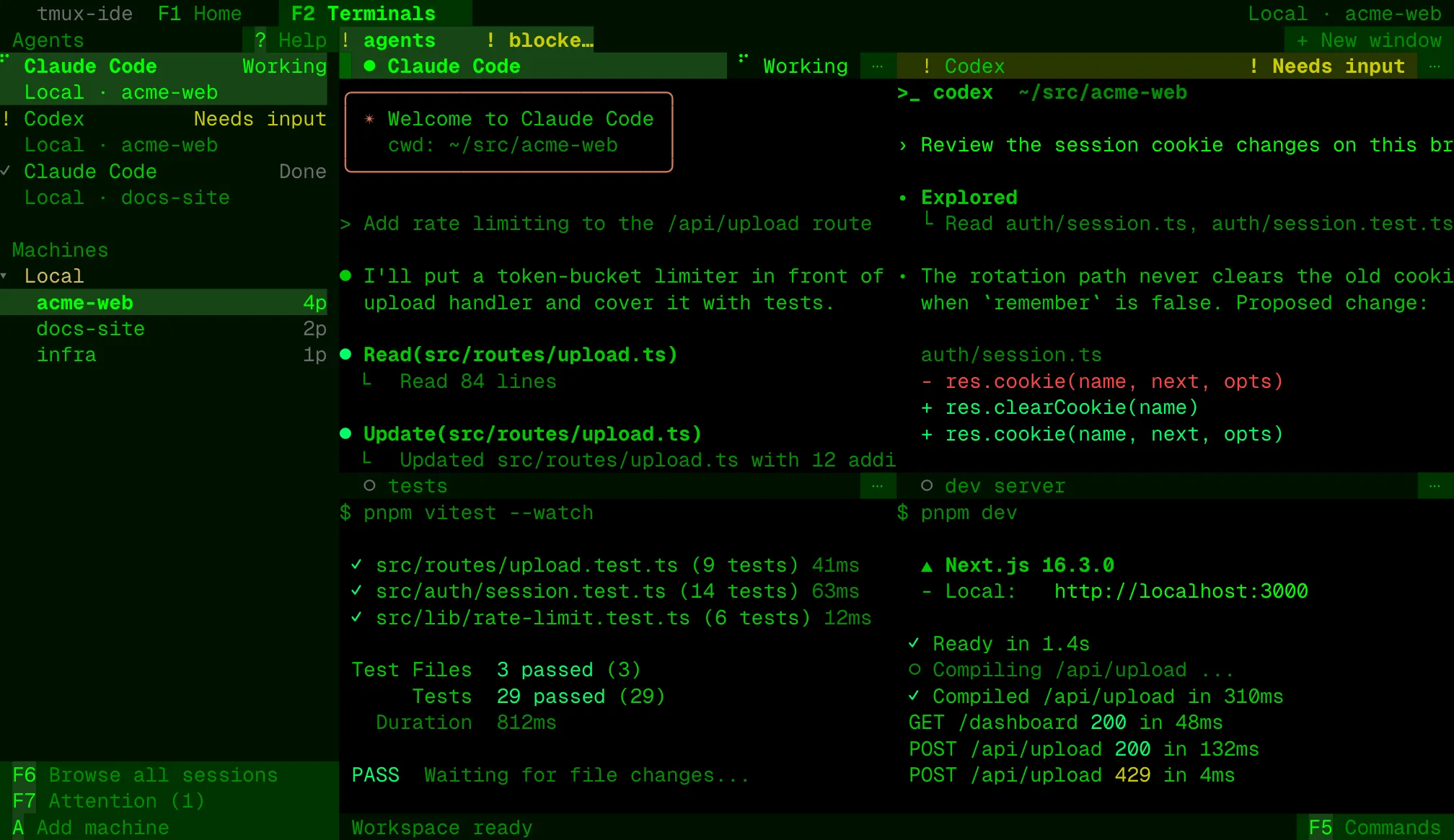
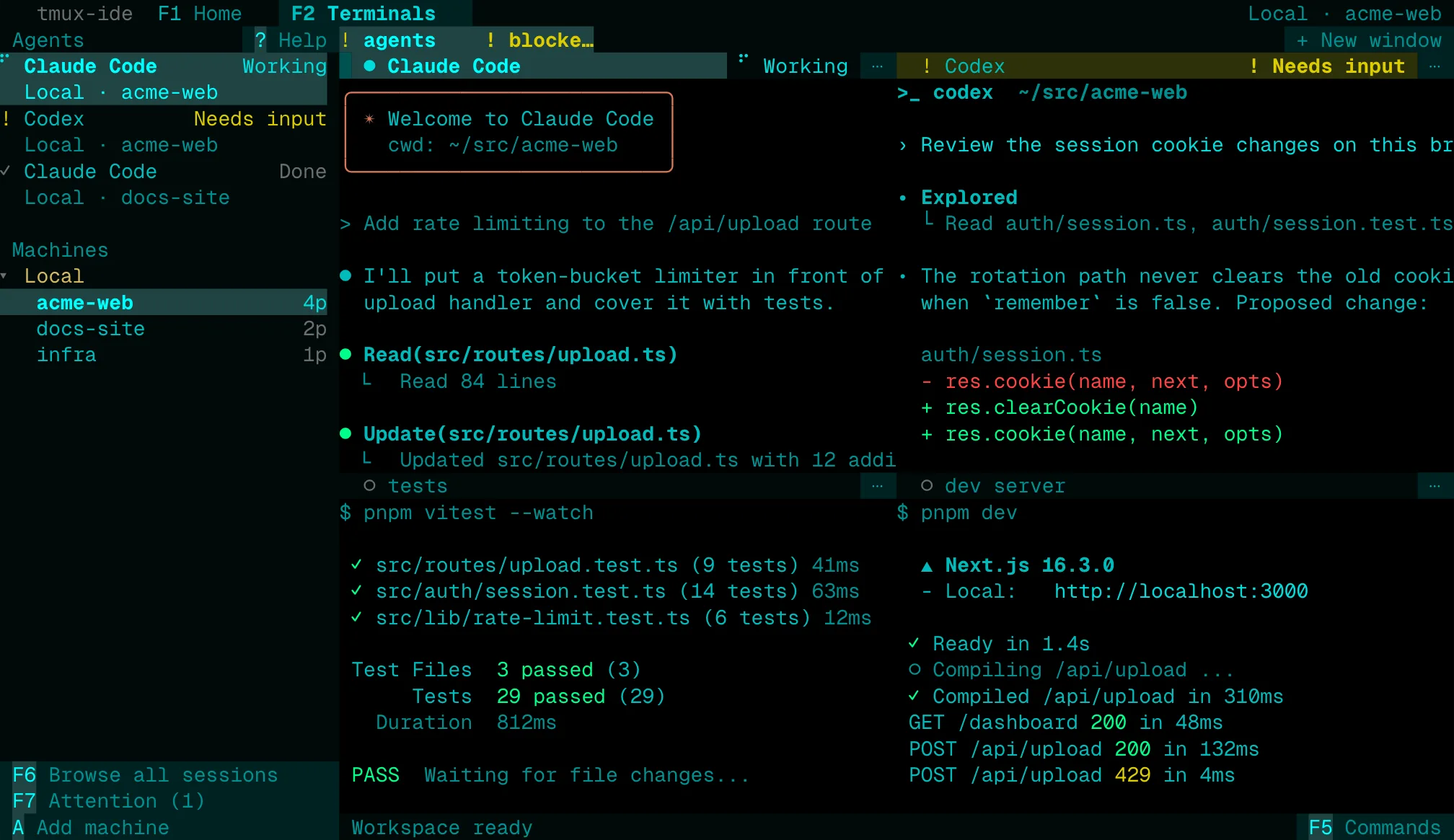
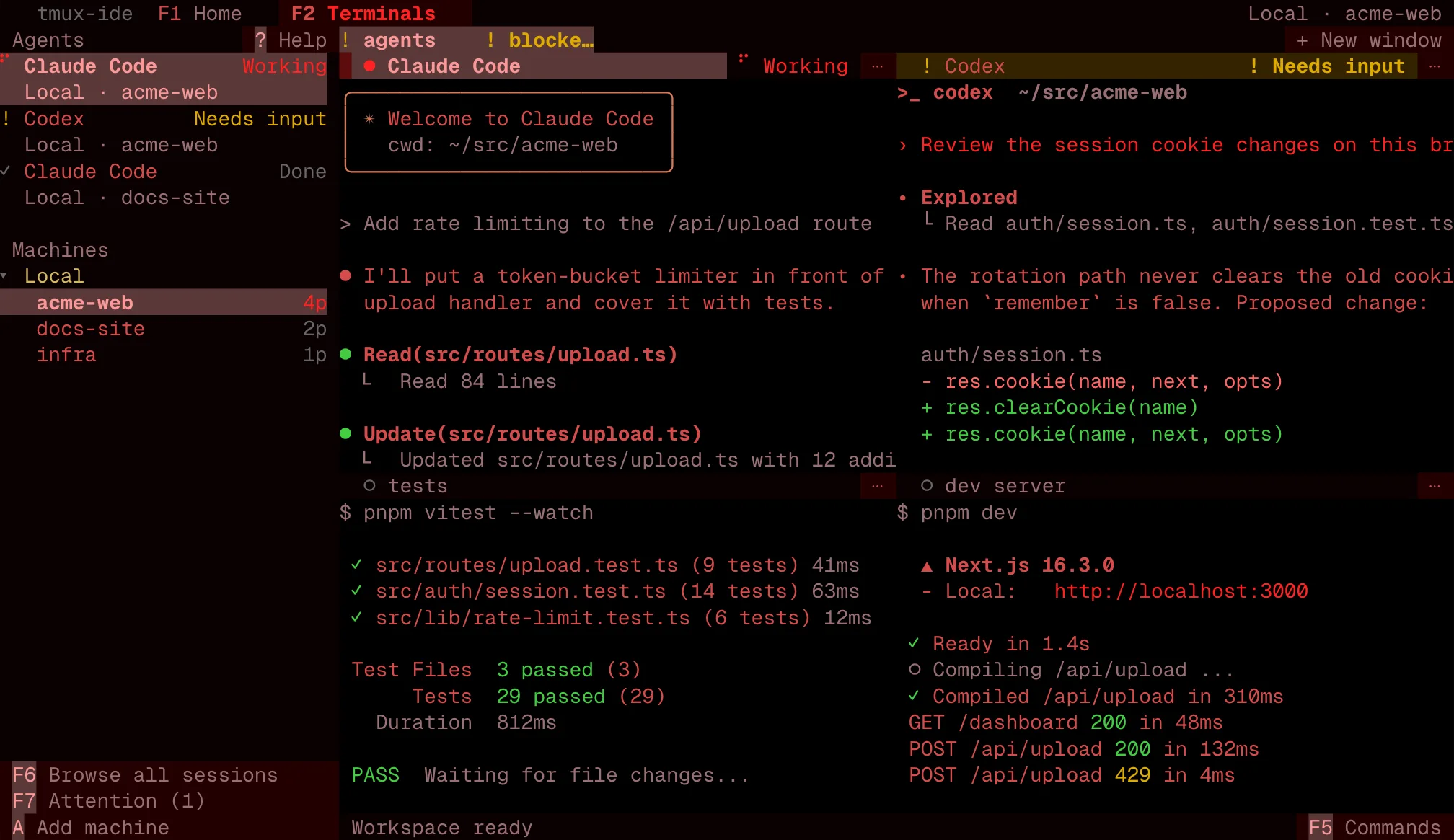
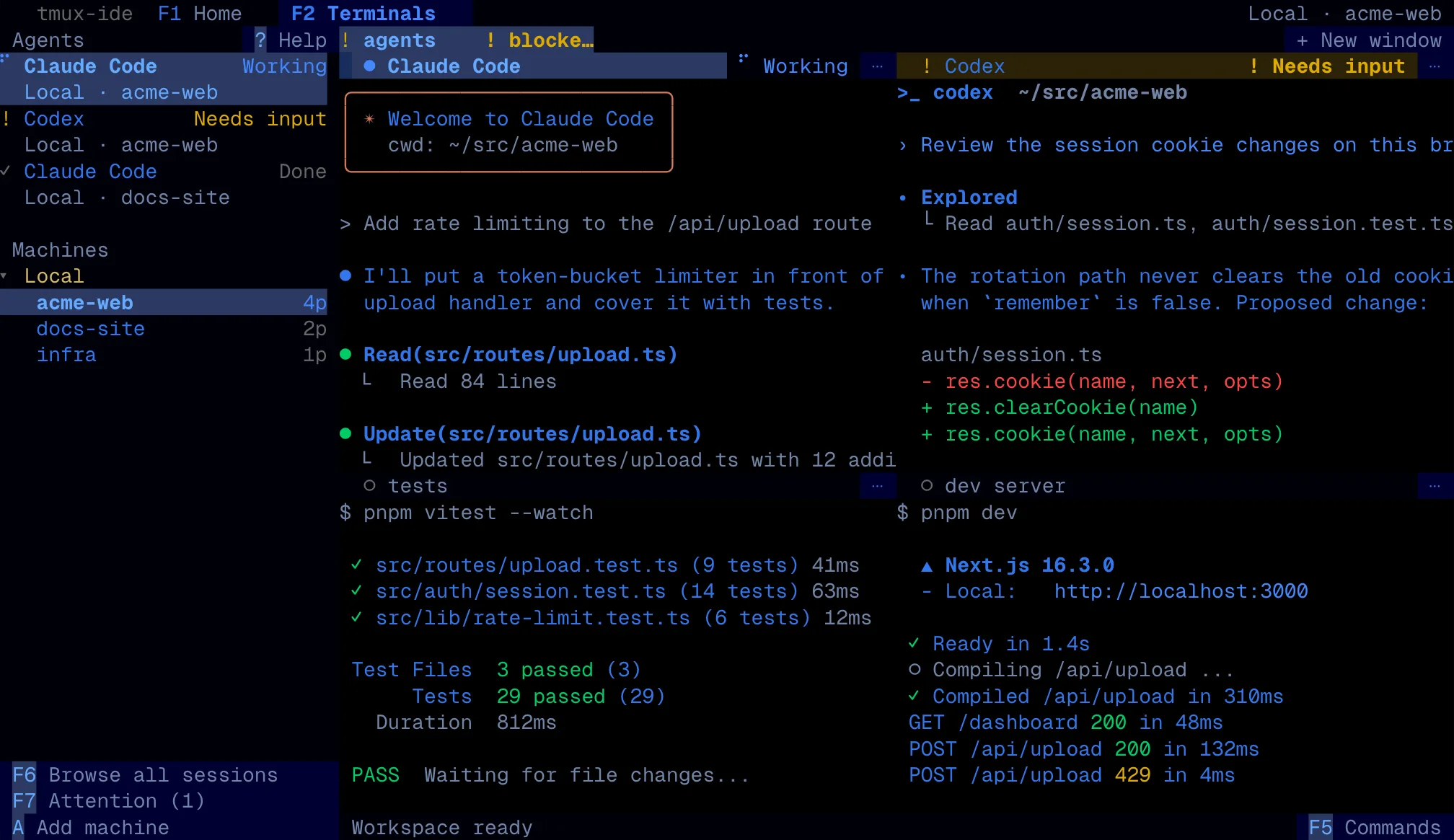
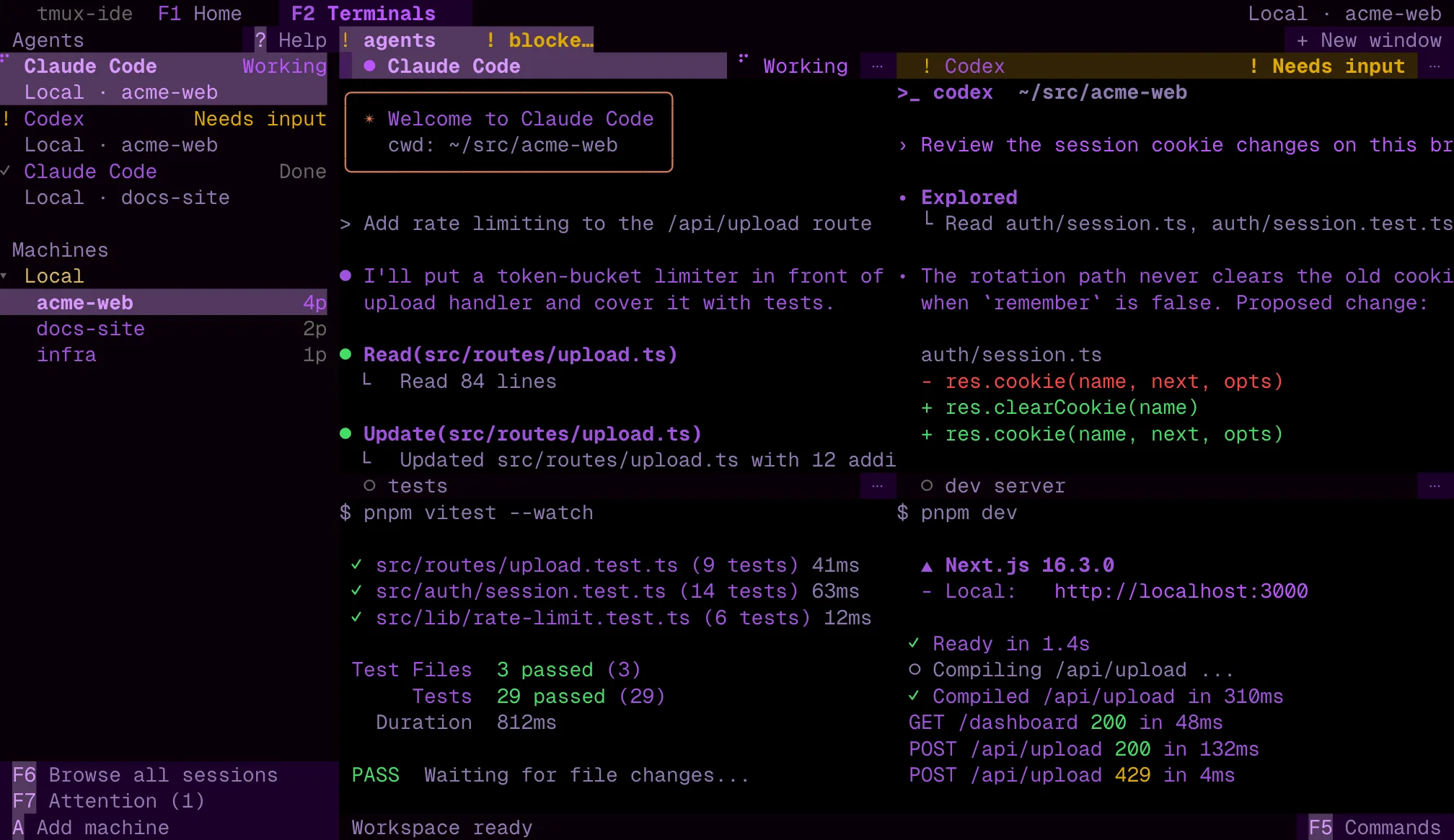
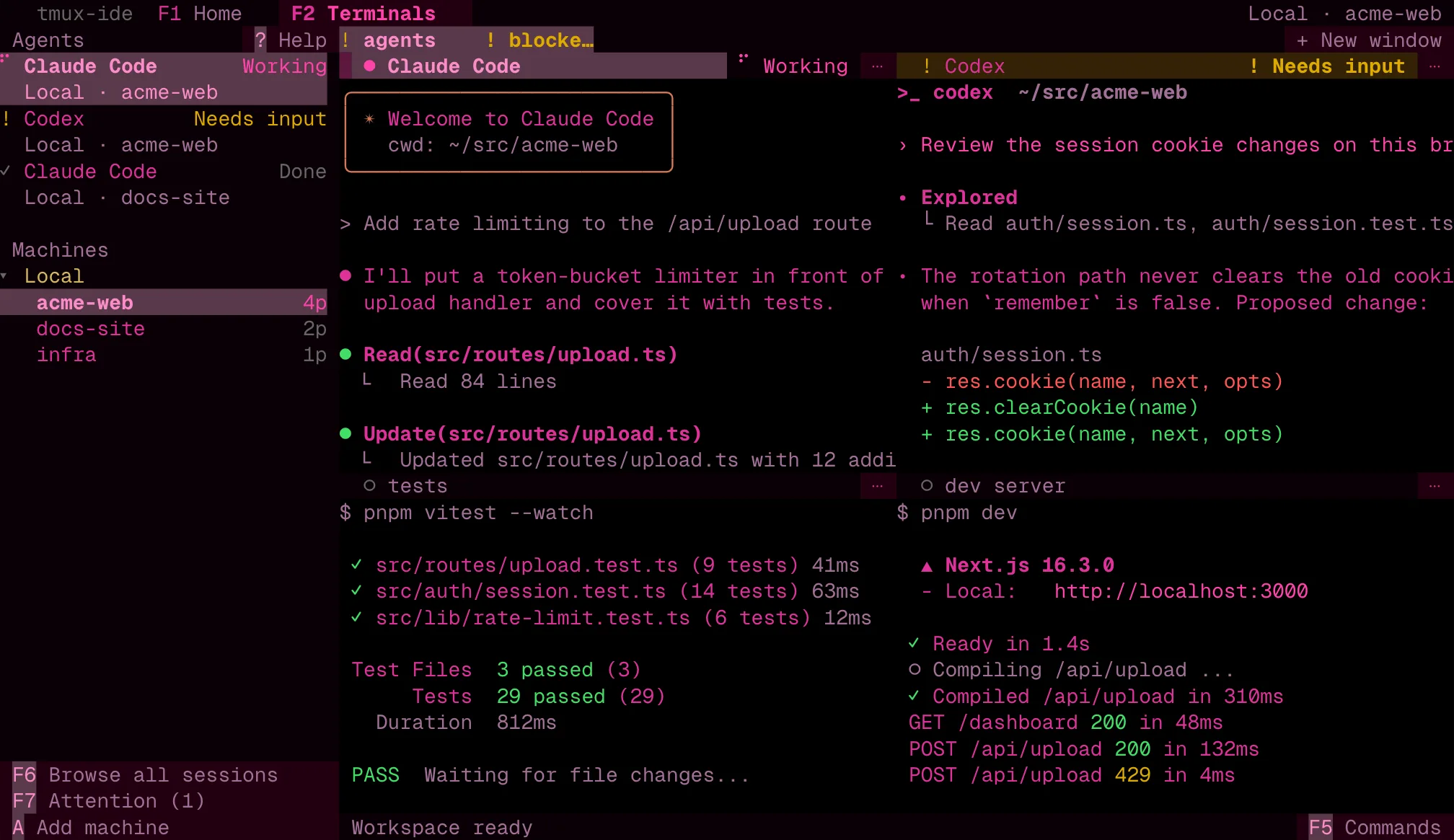
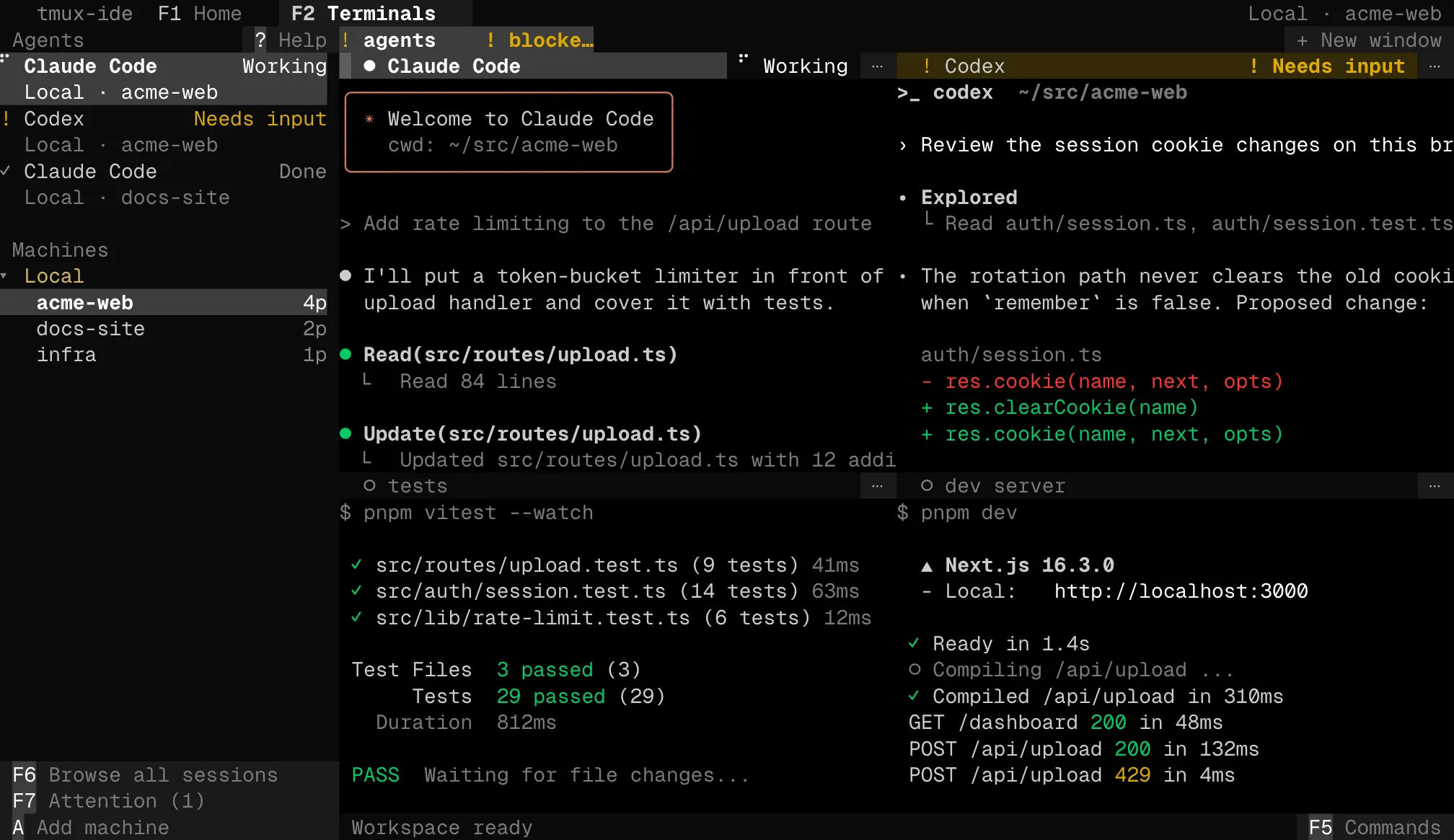
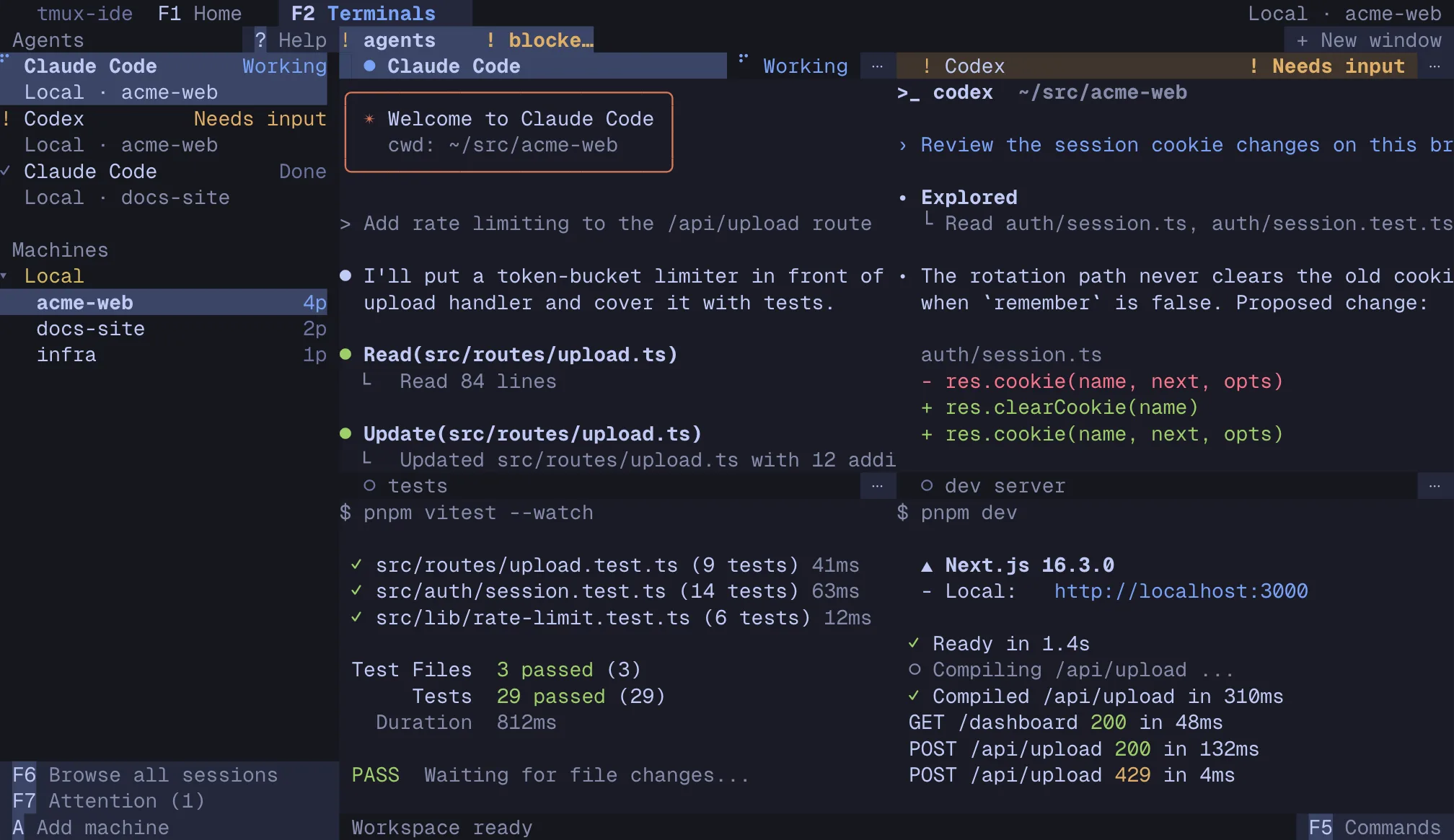
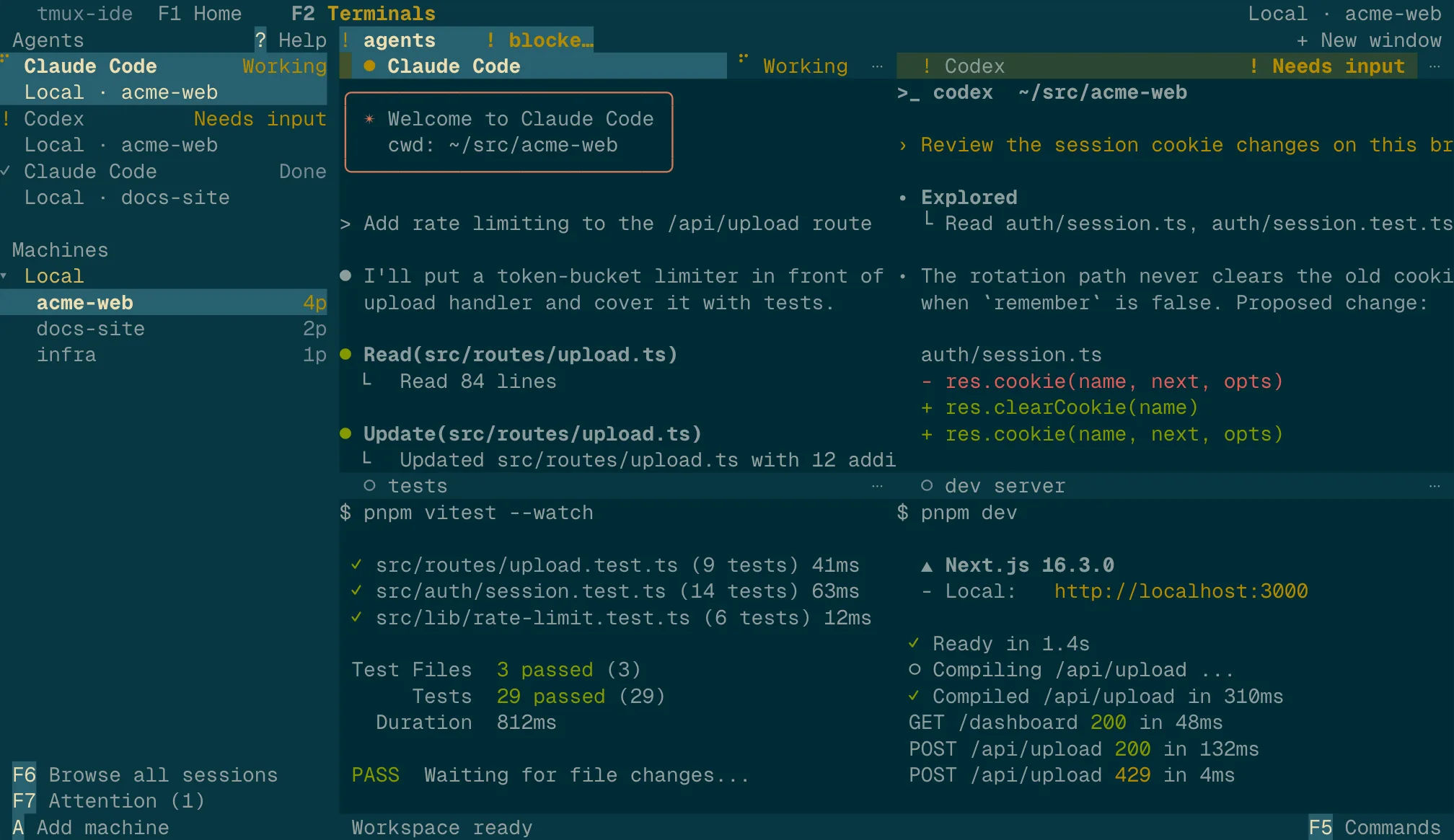
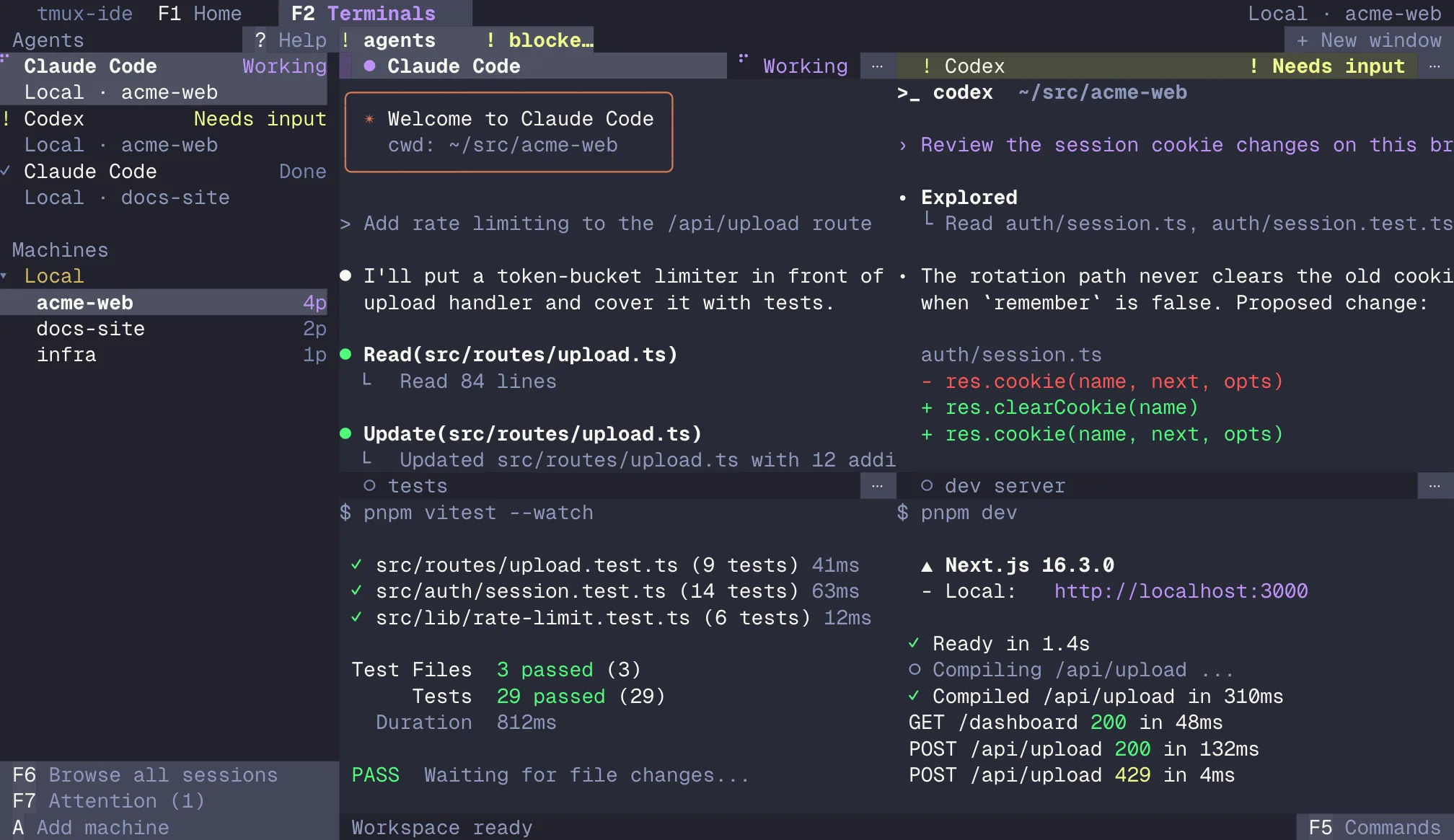
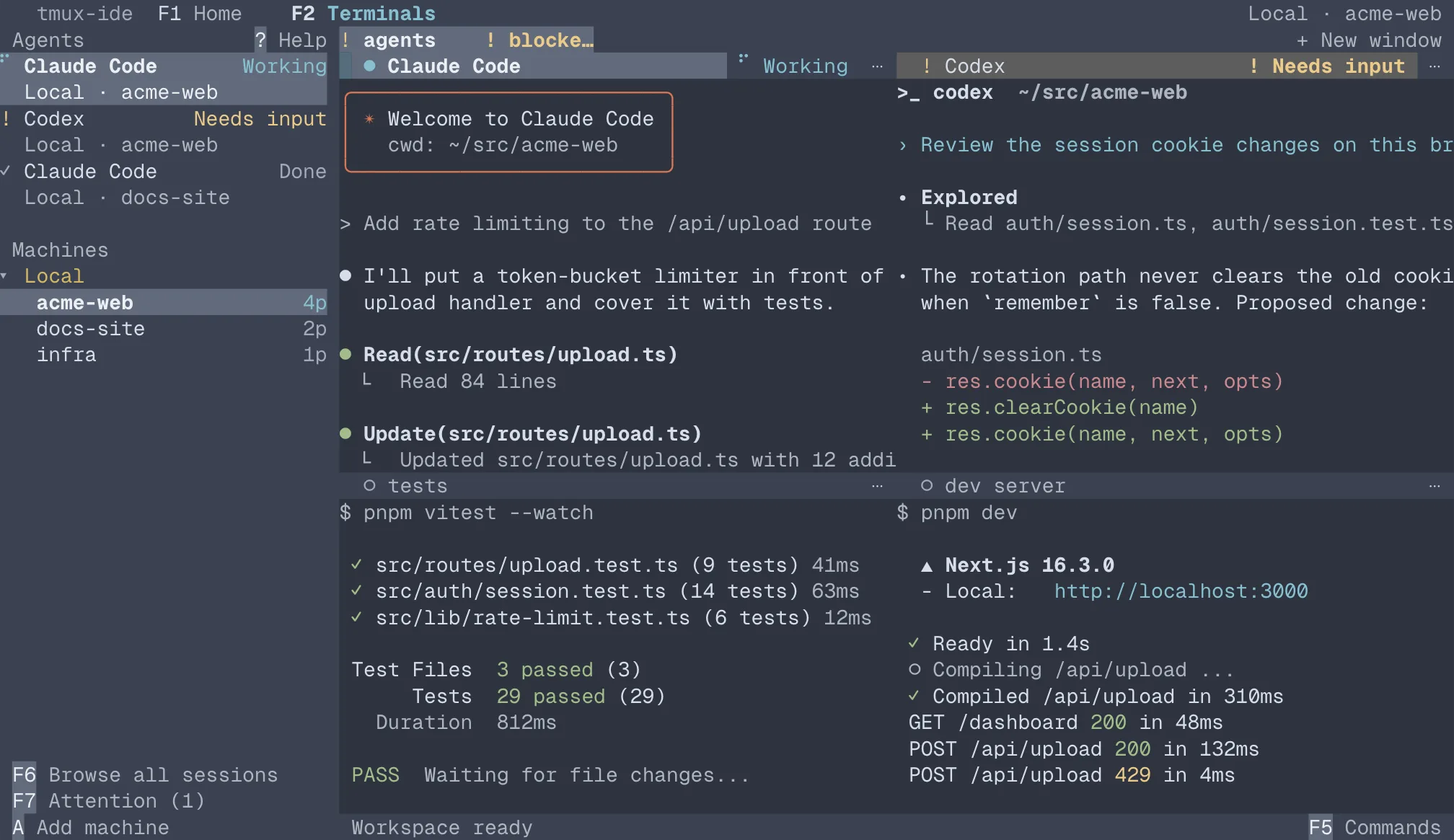
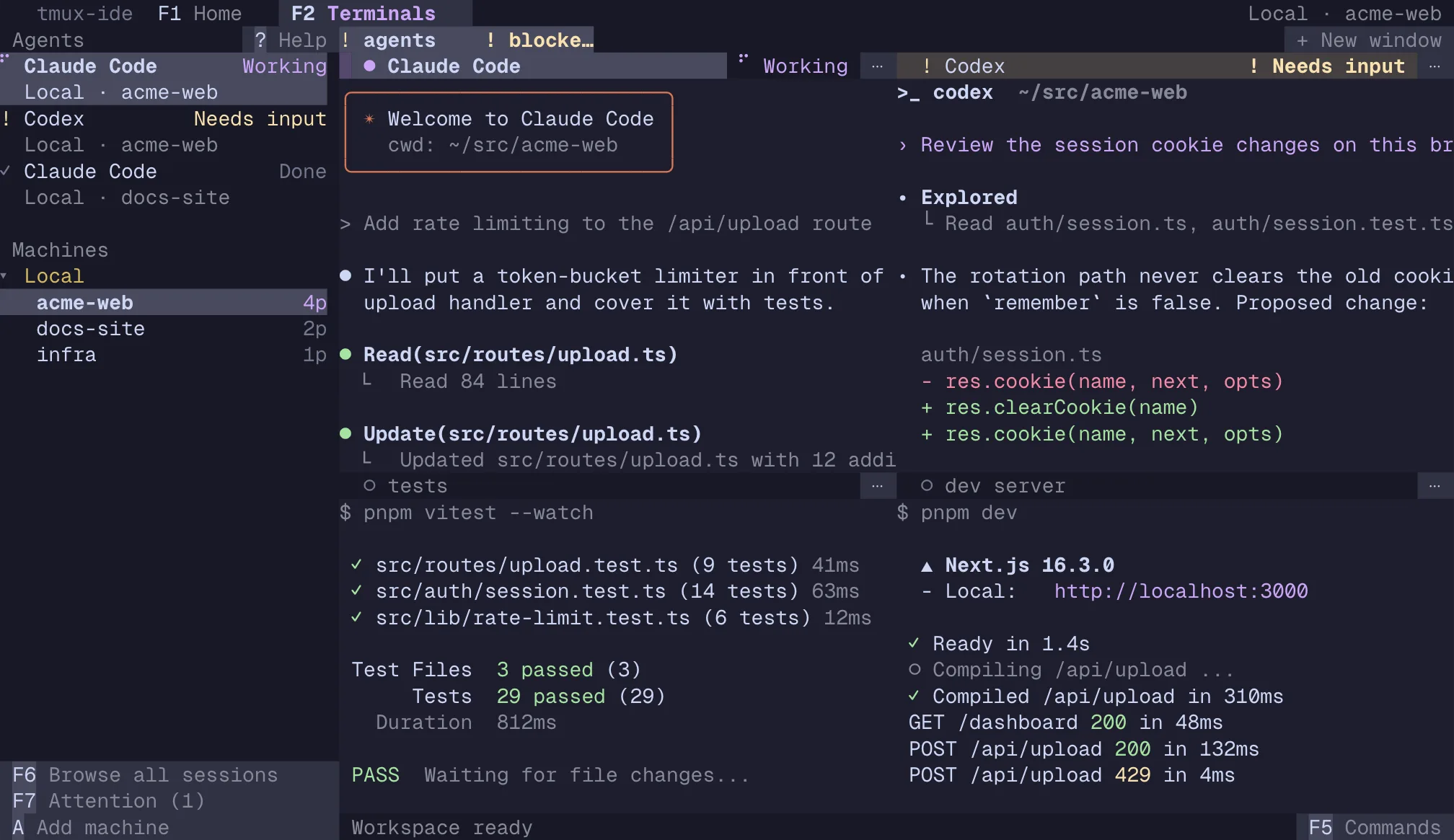
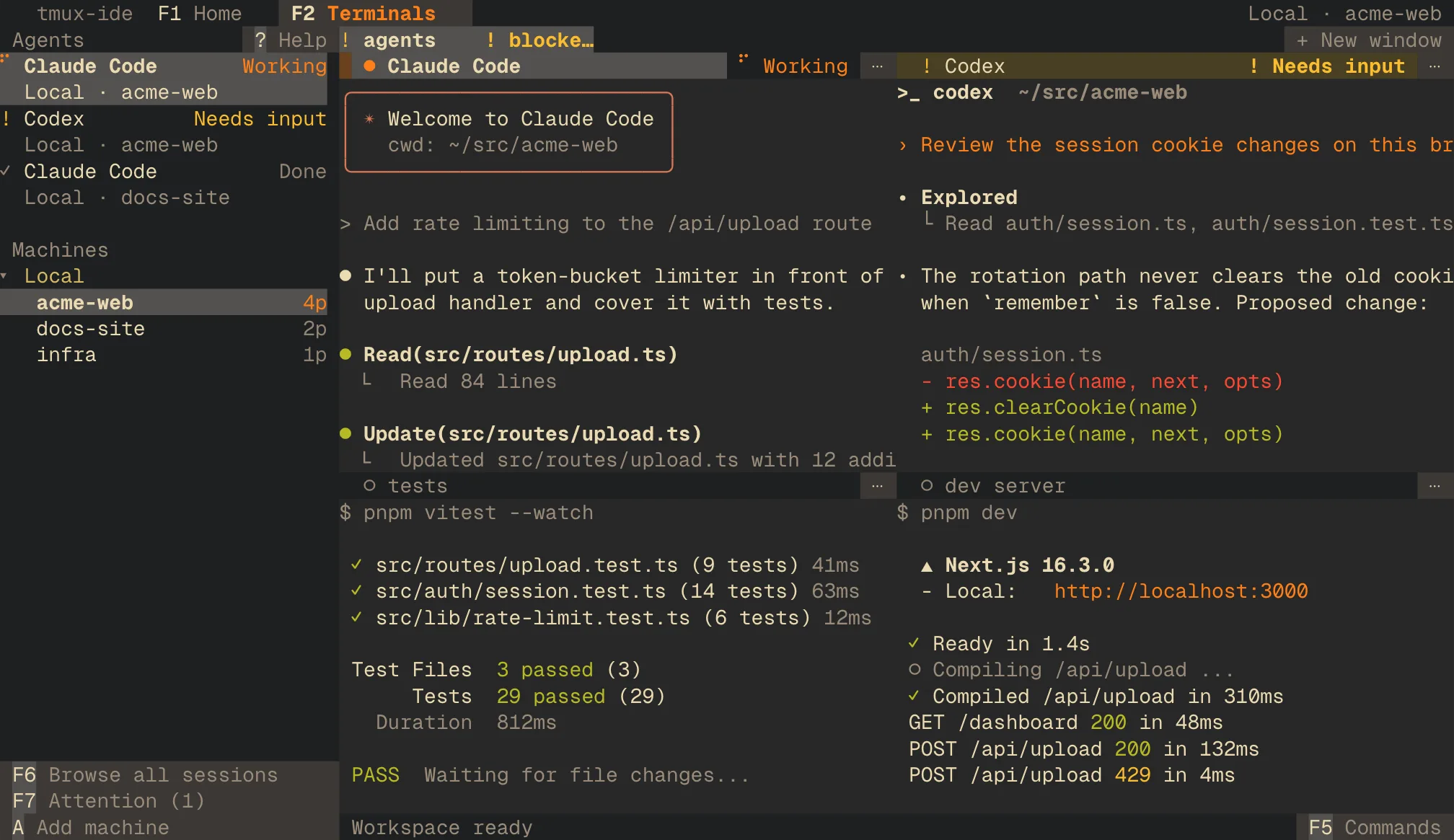
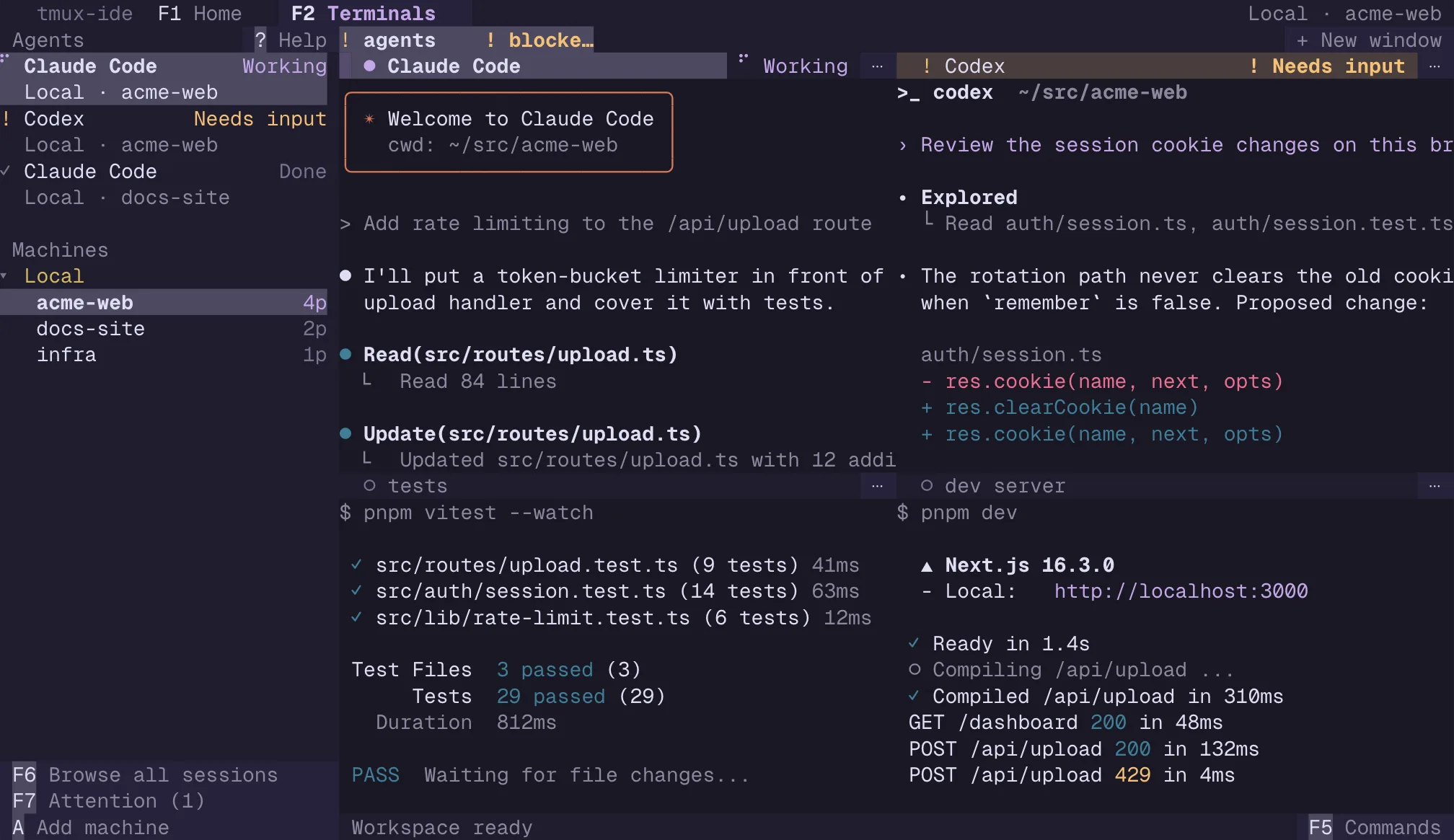
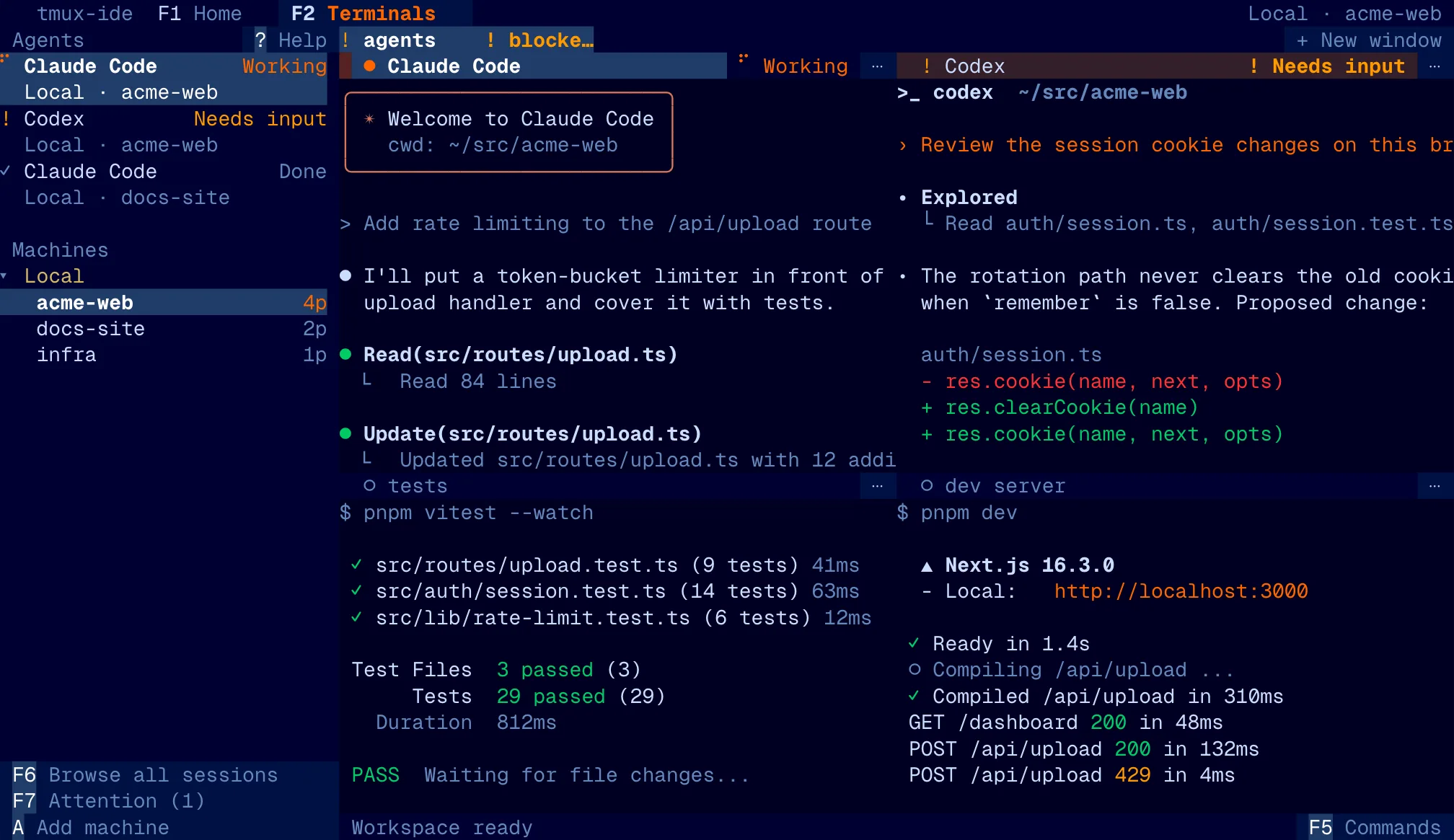
Each card shows the app's Terminals view, drawn by the app's own interface code, with sample agent panes. Select an image for the full-size view.
Light canvases, from warm paper to cool blue-grey.
System mode, the default for new settings, reads your terminal's background and picks the app's Light or Dark theme to match.
Dark canvases, from muted editor palettes to single-color phosphor screens.
Automatic contrast is on for every theme. Text that falls under a 4.5:1 contrast ratio against its background is adjusted, inside terminal panes too.
The Appearance picker saves your choice to ~/.tmux-ide/config.json. To set a theme without the picker, put its preset id in the theme block of that file, next to your other settings. An unknown id is ignored.
{ "theme": { "preset": "tokyo" } }